Wawona is a native Wayland compositor. You do not need Nix to run a binary.
Versioning is CalVer YY.M.D (see GitHub tags like v26.8.12). Older 0.x marketing versions are retired.
macOS is not a store feature target. Do not wait for a Mac store listing.
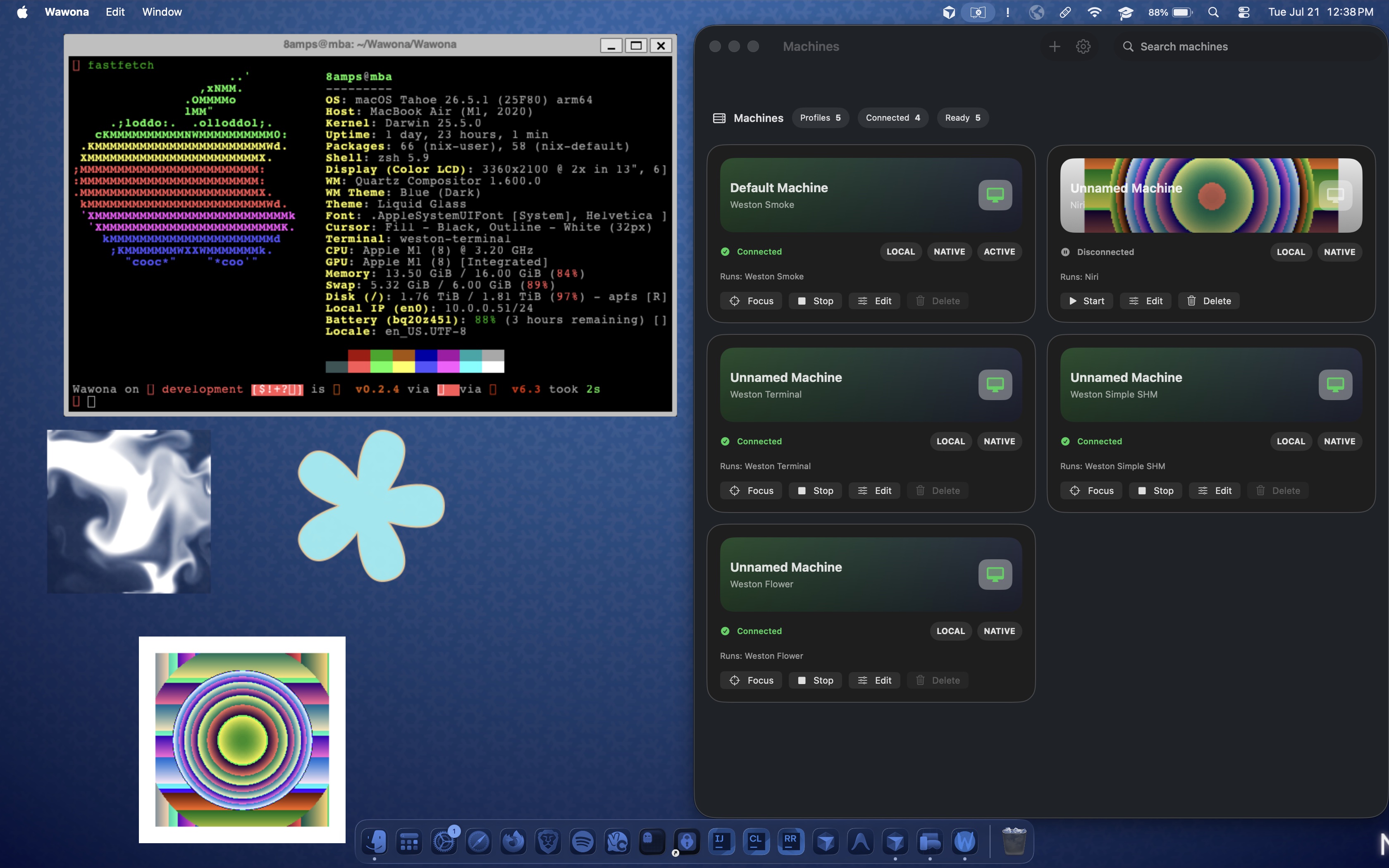
Get a build
- Download for GitHub assets (
Wawona-{calver}-{platform}-{arch}.{ext}: dmg, ipa, apk, AppImage) when av*tag ships. See Prebuilt binary naming. - TestFlight / Play internal. Find beta testing links on the Wawona Discord. Store builds ship from Ship: beta (stores) on
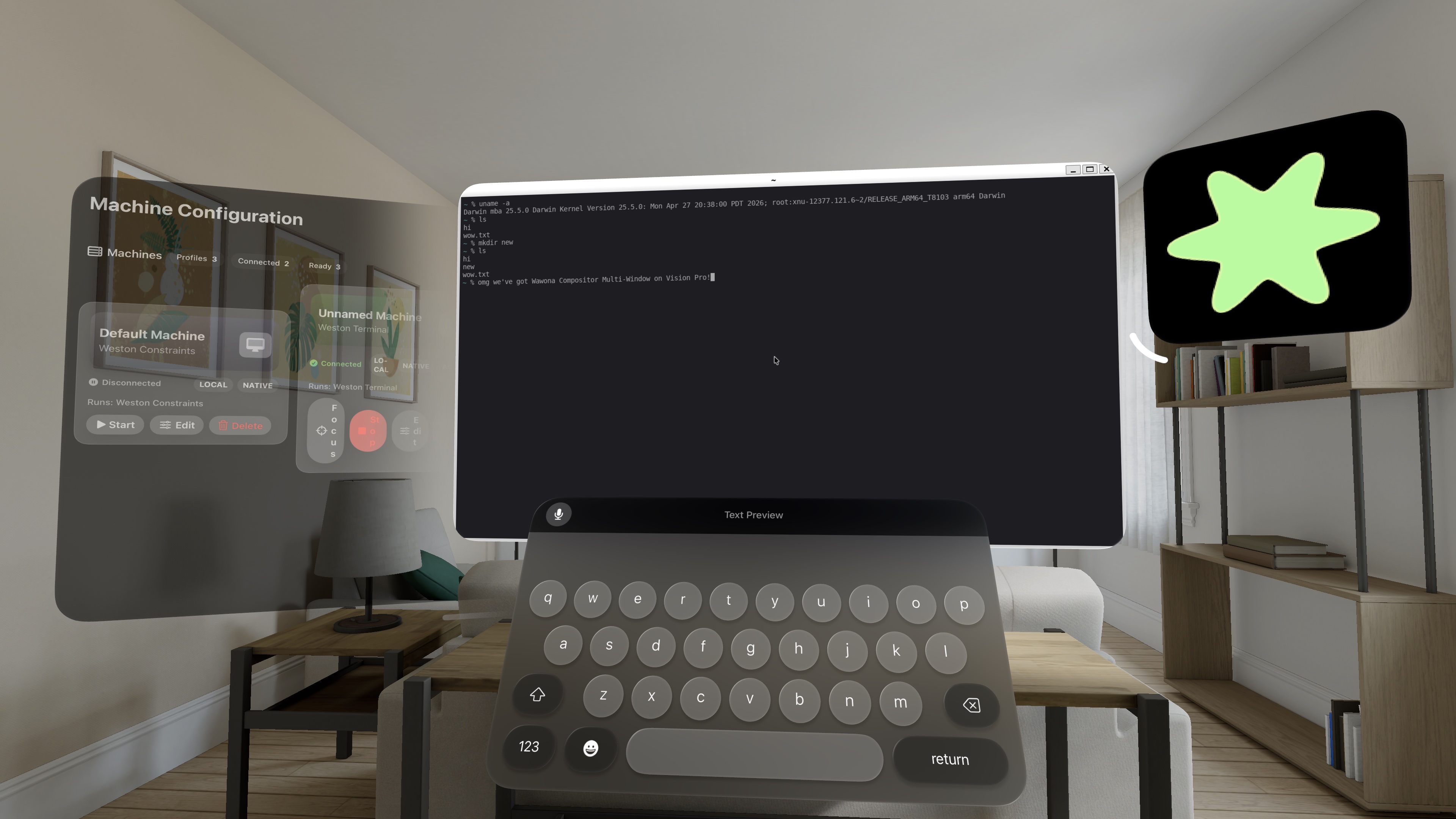
master(filenames include the build number; see the same naming doc). - Apple family schemes exist for iOS, iPadOS, tvOS, watchOS, and visionOS. Android and Linux too.
First run
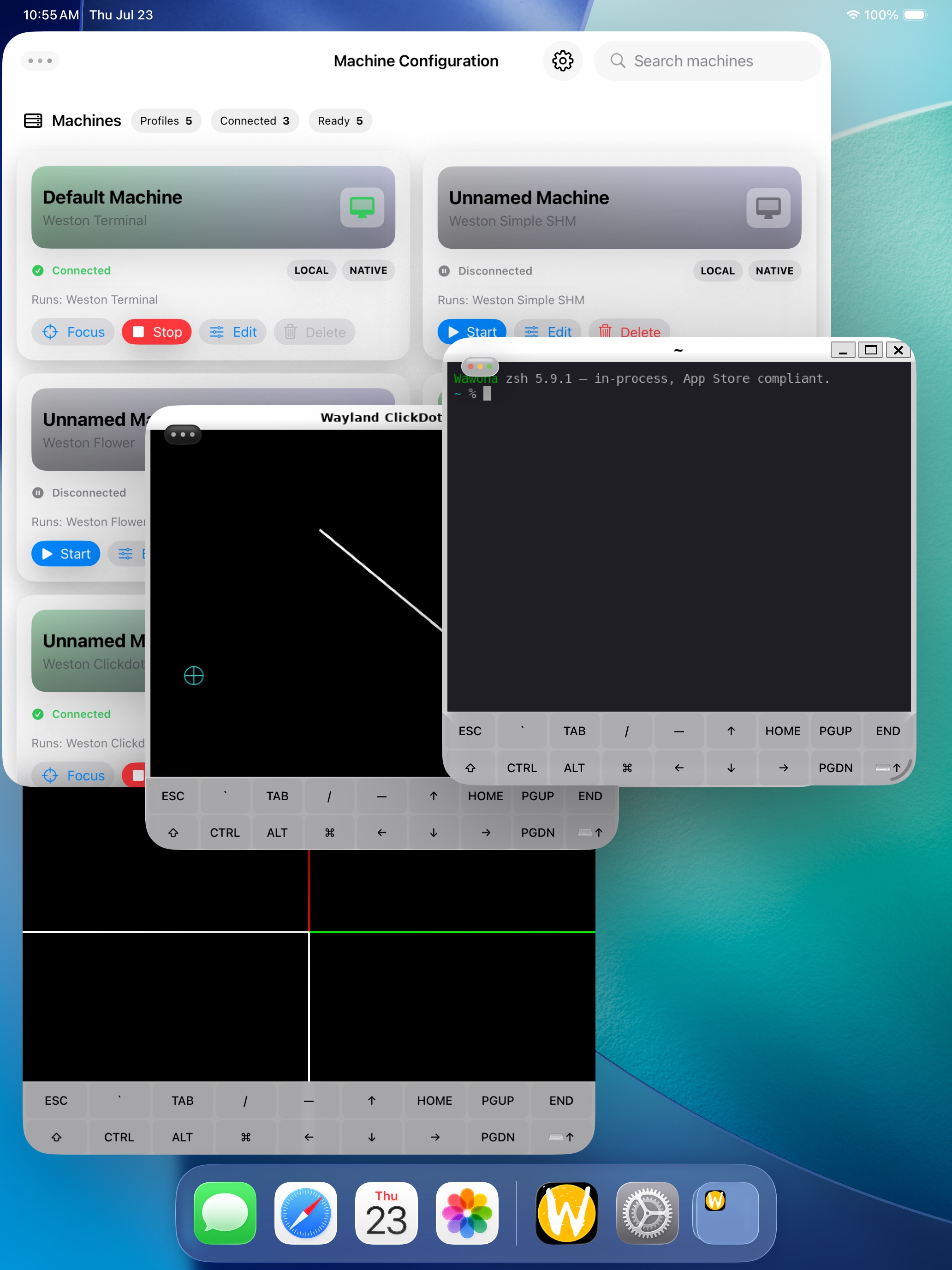
Open Wawona. Create or pick a Machine. Start it. Use Focus to show the compositor.
Before tapping Weston panel icons or nested clients, set Touch Input Type to Multi-Touch (iOS family) or turn Touchpad Mode off (Android). See Usage.
Extra software
Two catalogs. Pick a lane at repo.wawona.io/search.
- App Store / Play: search wasm, then
wpm installin the Wawona shell. Wasm only. - Jailbroken iOS: add
https://repo.wawona.io/in Sileo (rootless and rootful). - Sideloaded Android: add the same URL in Termux
apt. Termux is not jailbreak and not Play.
See Packages.
Build from source
Contributors: Compilation, Nix, and AI + MCP (wire wwn-mcp so agents retrieve Wawona knowledge). You need Determinate Nix, Xcode on Apple, and TEAM_ID in .envrc for signed iOS family builds.
nix run .#wawona-macos
nix run .#wawona-ios
nix run .#wawona-android
nix run .#wawona-linux
Other attributes: wawona-macos-desktop-host, wawona-watchos-app-sim, wawona-tvos-sim, wawona-visionos-sim.
Report a bug
If a machine does nothing after Start, copy logs from Settings → About and open a GitHub issue. See Report a bug.